
Appearance
Device Key
An Device Key is required to authenticate and interact with the Rapiwa API.
Follow the steps below to generate your Device Key.
1. Create a Rapiwa Account
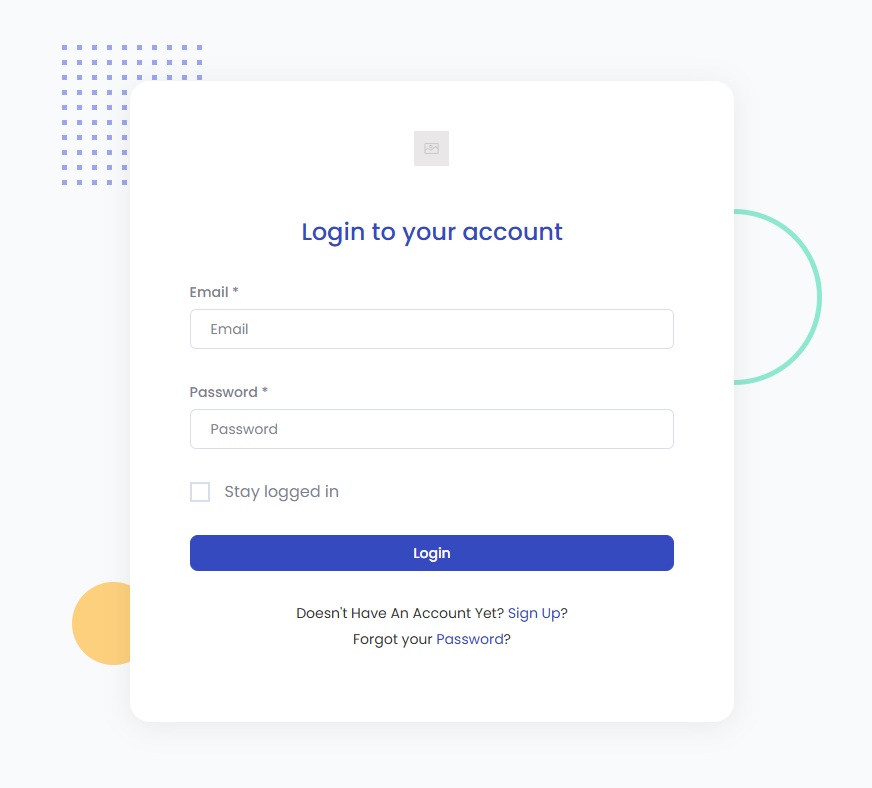
- Go to app.rapiwa.com/login.
- Enter your WhatsApp Number to create an account.
2. Verify with OTP
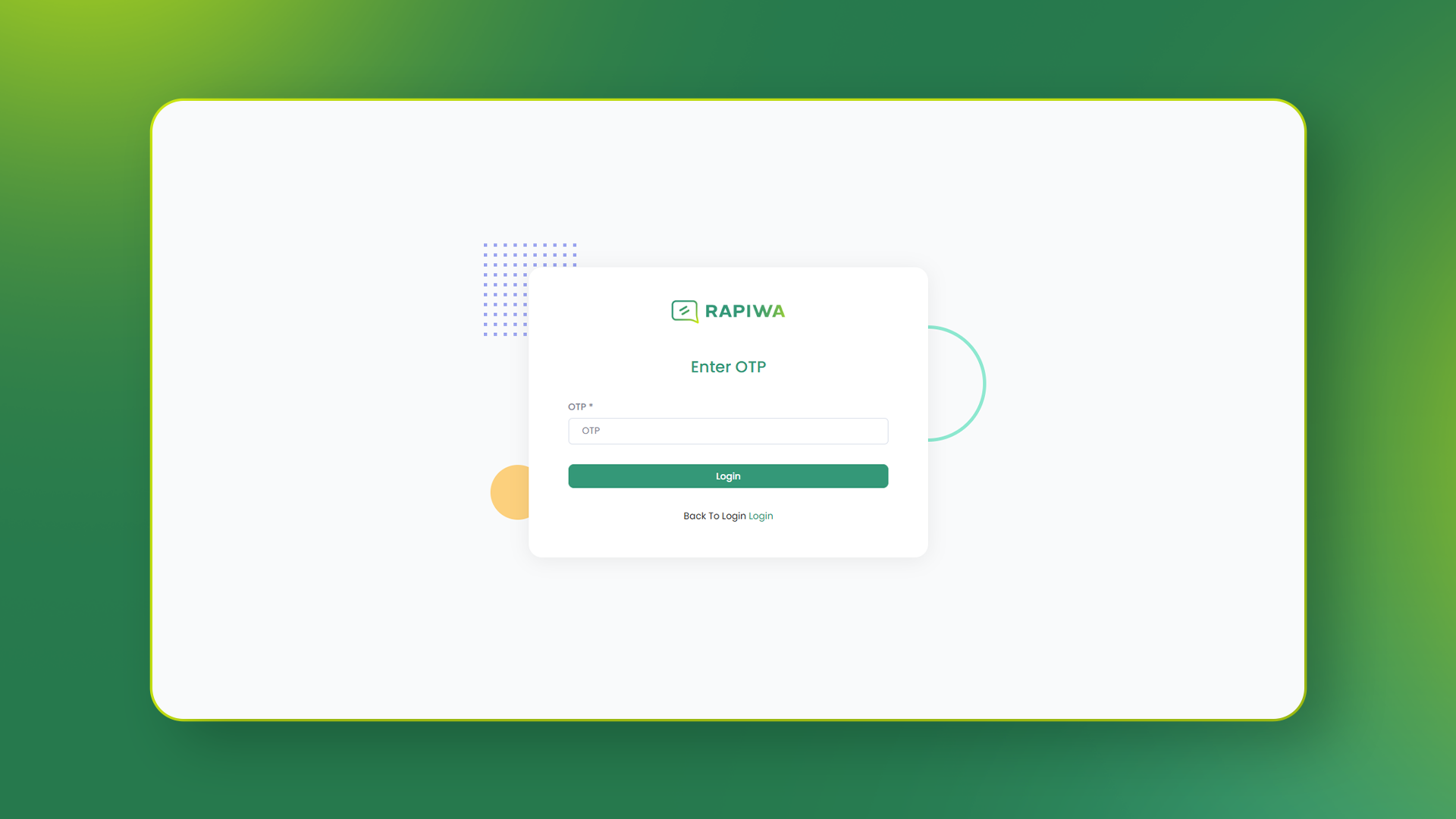
- Check your WhatsApp inbox for the OTP sent by Rapiwa.
- Enter the OTP in the verification field to continue.
3. Subscribe to a Plan
- Choose and activate the subscription plan that best fits your needs.
4. Open the Devices Page
- From your dashboard, navigate to the Devices Page.
5. Add a Device
- Click Add Device to connect your WhatsApp device with Rapiwa.
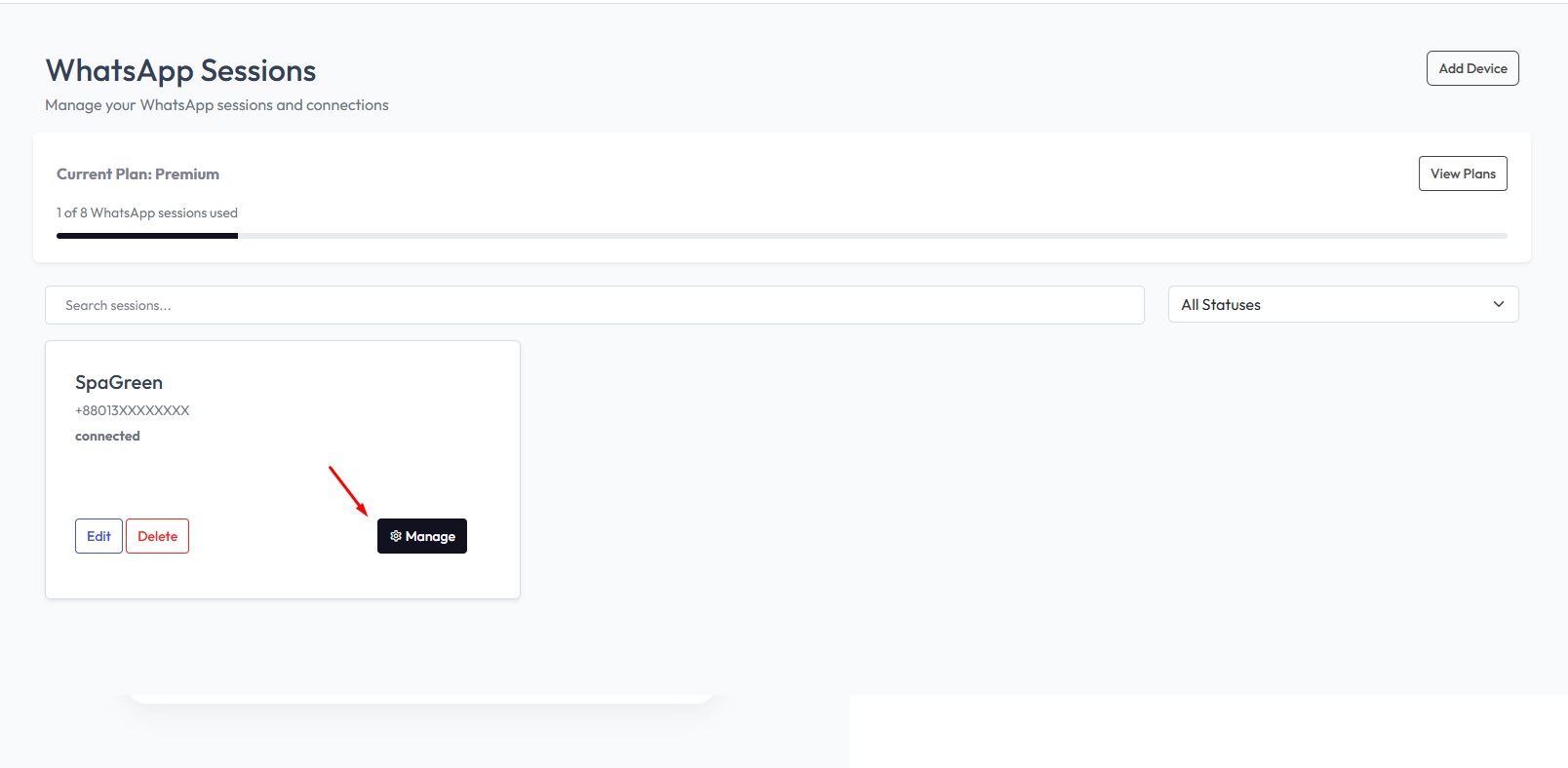
6. Manage Your Device
- Once added, click Manage next to your device.
7. Retrieve Your Device Key
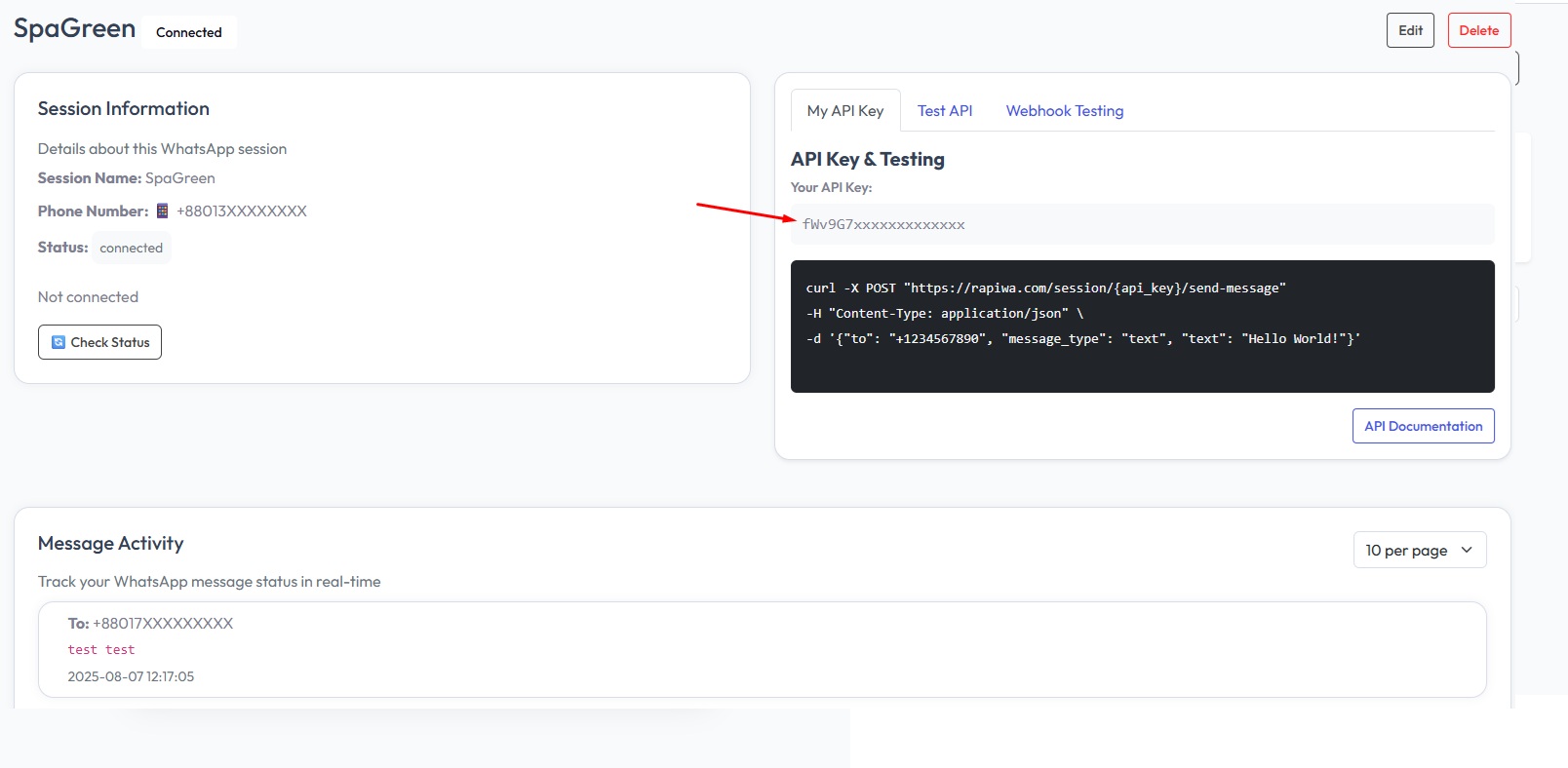
- On the device management screen, you’ll see your Device Key.
💡 Tip: Keep your Device Key secure. Never share it publicly. If you believe it’s been compromised, regenerate it immediately.